
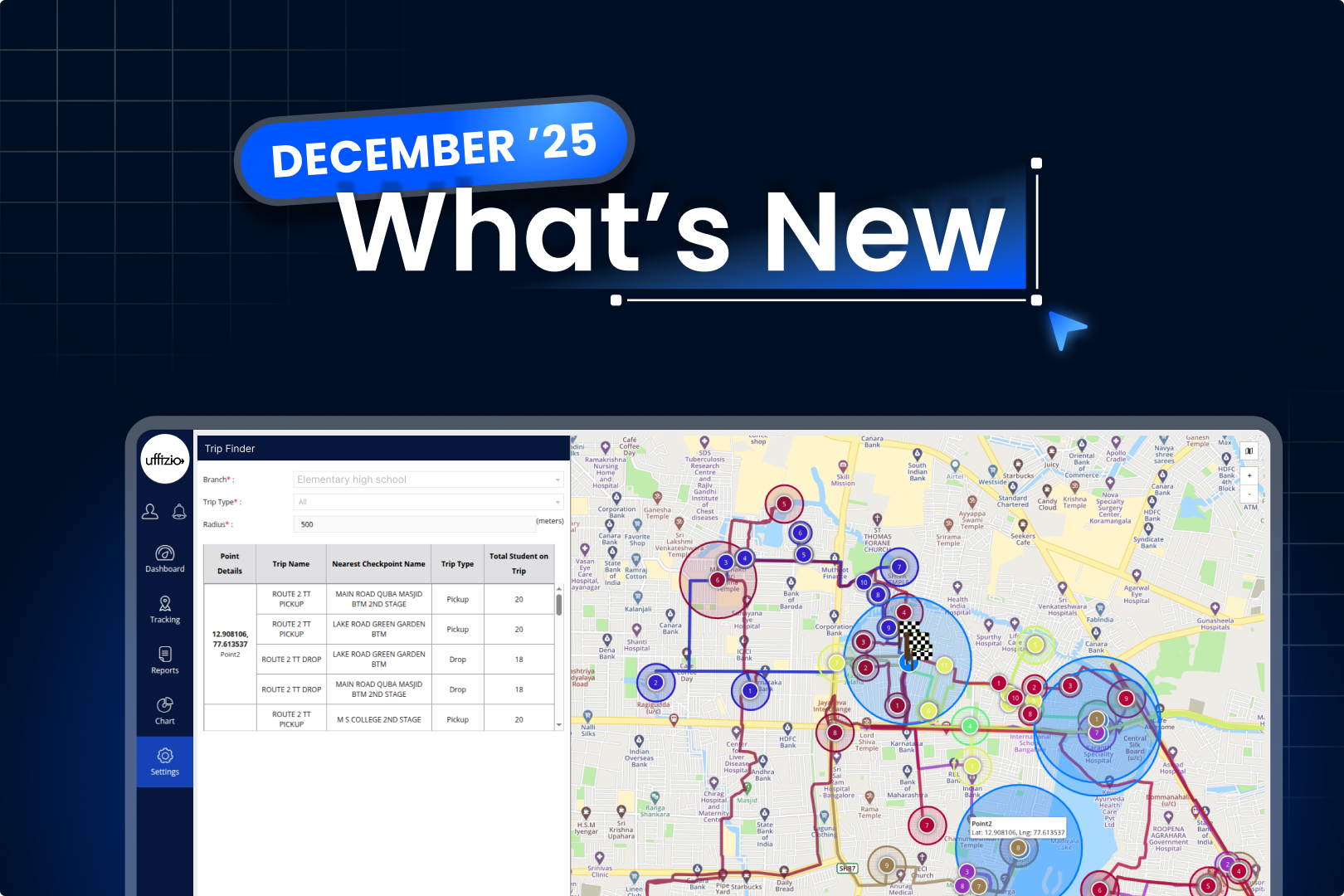
As we move into this month, SmartBus and Rosterz Employee roll out new features built around real operational needs. The focus remains on consistency, clarity, and smoother execution helping teams manage transportation and rosters with less manual follow-up.
1. SmartBus
1.1 Driver Pick-Up & Drop Alert
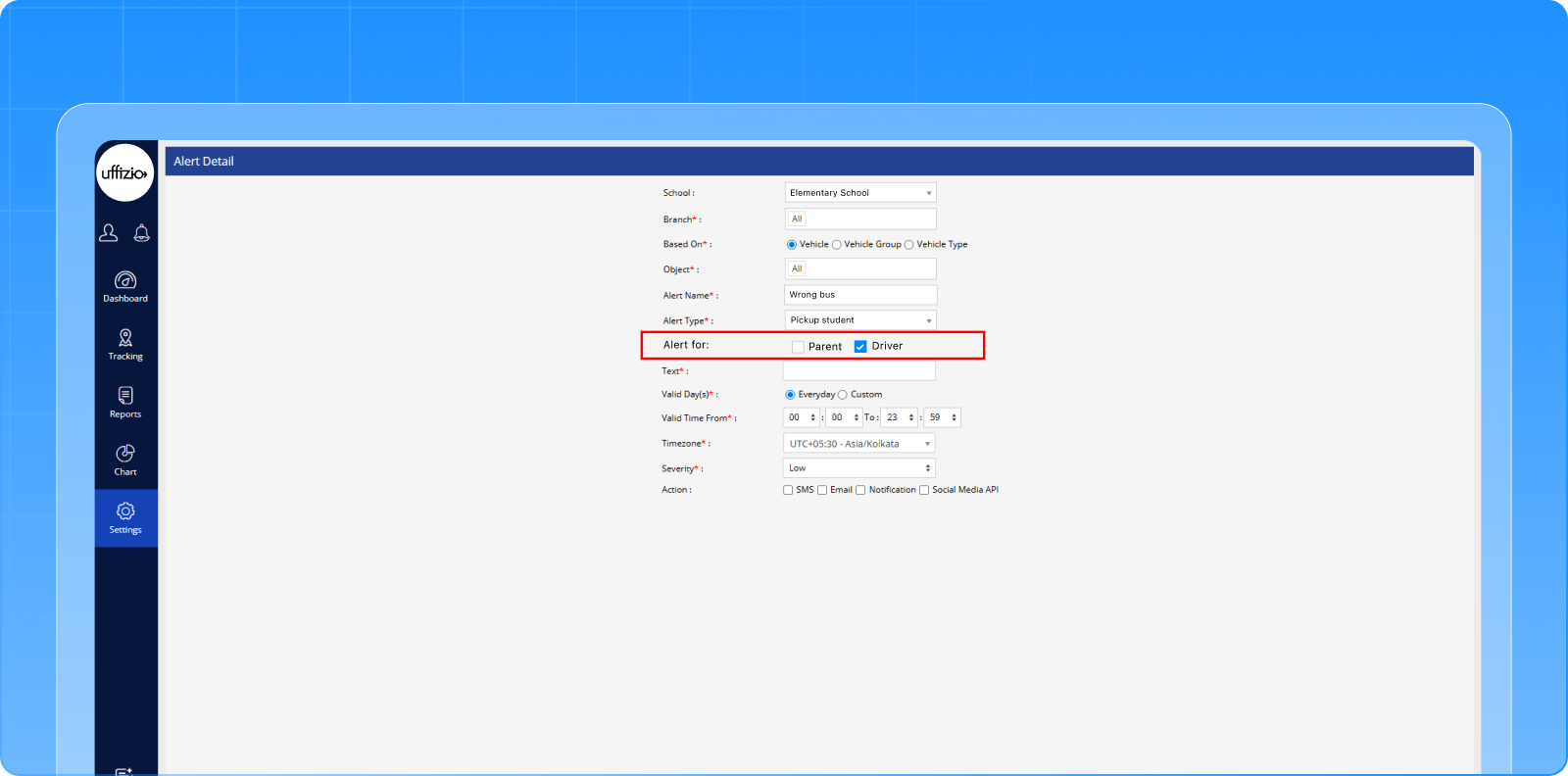
Pick-Up and Drop alerts in SmartBus are now extended to assigned Drivers and Attendants, in addition to Parents. This ensures everyone involved in a trip has real-time visibility, improving coordination and reducing the chances of missed updates.
Key Points:
- “Alert For” option added in notification settings
- Drivers and Attendants notified for trips using RFID, Beacon, or Face Recognition
- Parent notifications remain unchanged
Benefits:
- Improved coordination between Drivers and Attendants
- Provides timely updates for trip stakeholders
- Maintains consistency with existing notifications
1.2 Location-Based Trip Finder
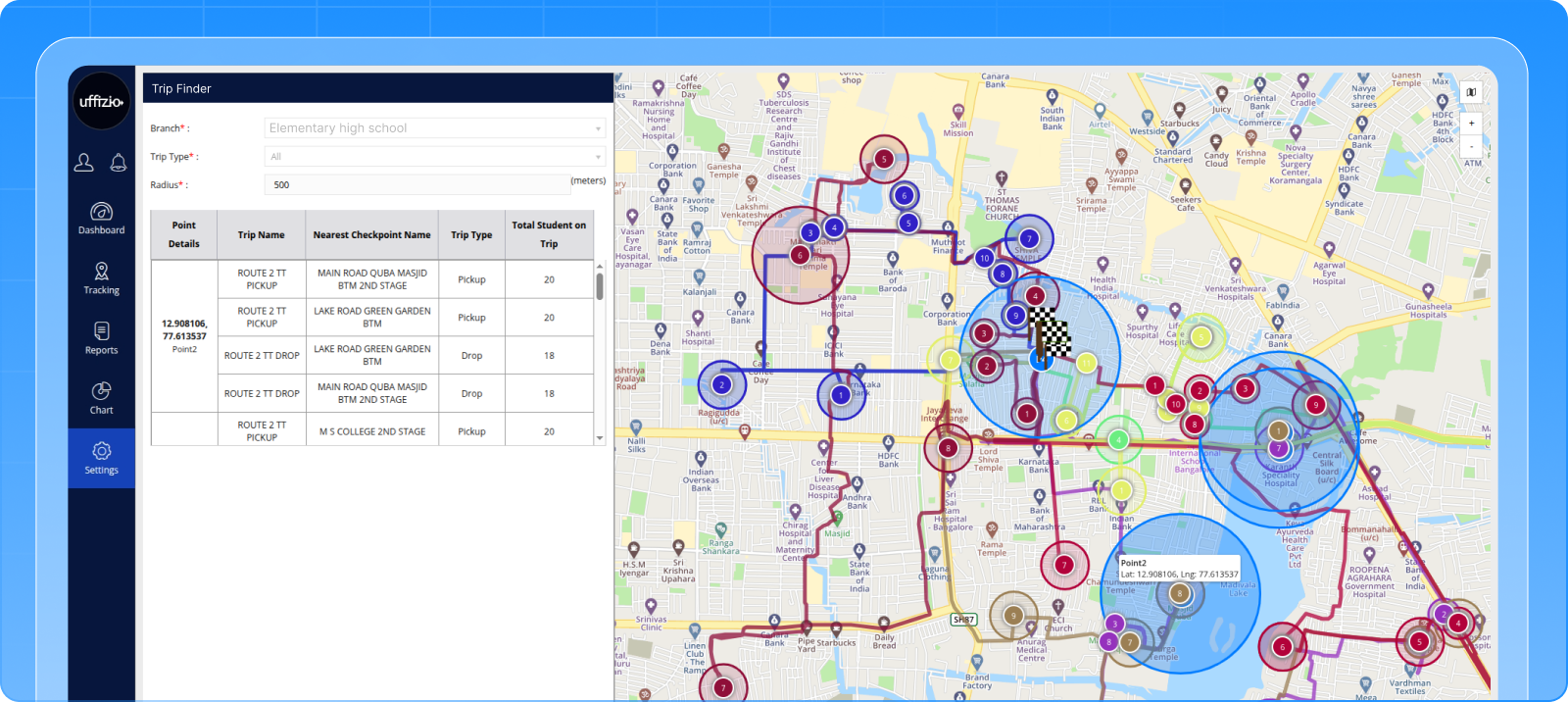
The new Trip Finder allows administrators to search for trips passing through a specific location within a defined range. Users can input multiple locations or upload points via Excel and visualize trips on a map with nearest checkpoints, simplifying planning and analysis.
Key Points:
- Search trips by location, radius (10–500m), branch, and trip type
- Upload up to 10 points via Excel
- Displays nearest checkpoint for each matched trip
Benefits:
- Quickly identify trips passing through desired areas
- Easy map-based visualization for better planning
- Supports multiple locations in one search
- Enables clear, actionable reporting and analysis
2. Rosterz Employee
2.1 Adhoc Trip Booking
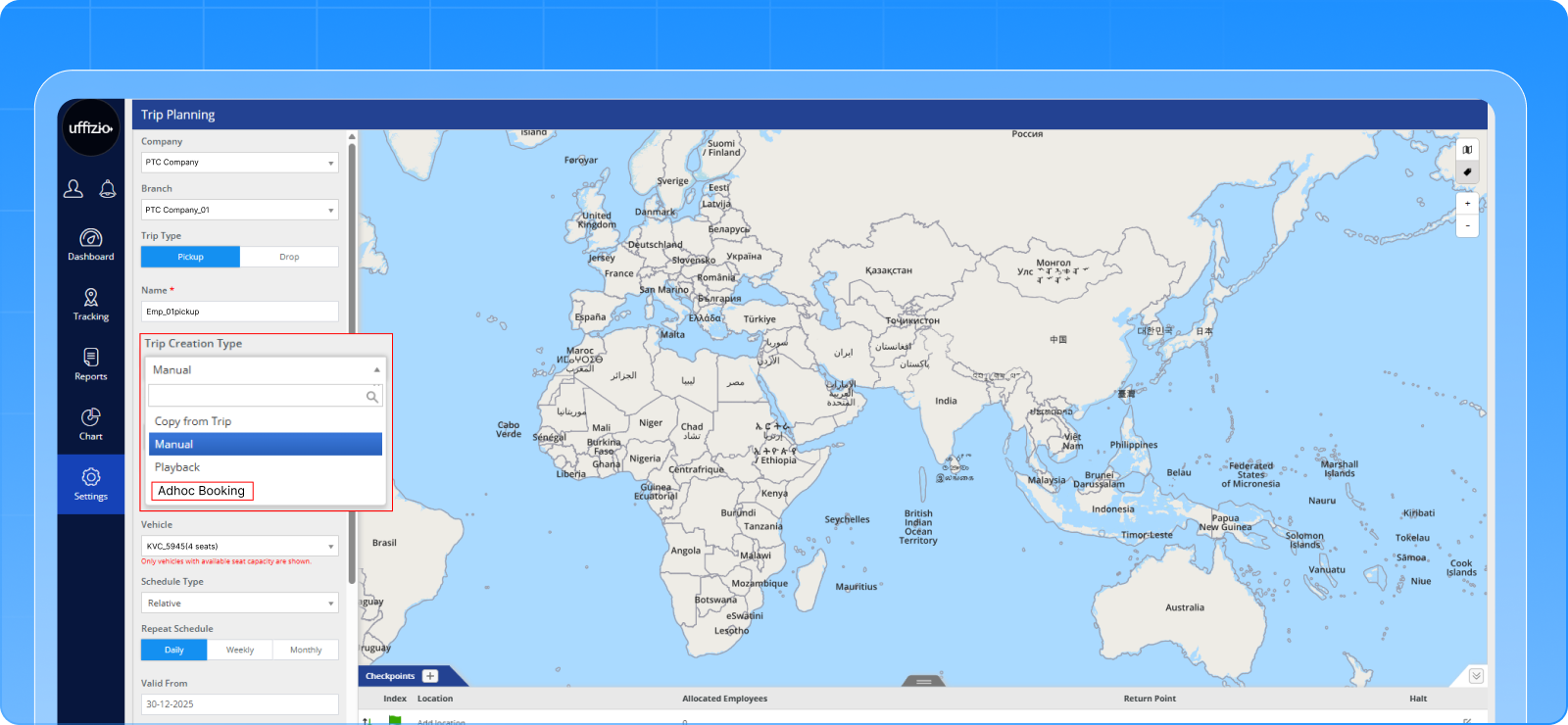
Adhoc Trip Booking allows time-based trips for single employees without predefined routes or checkpoints. It’s ideal for specific pick-ups or drops, while OTP verification ensures secure and accurate trip tracking for both employees and drivers.
Key Points:
- New Adhoc Booking option in Trip Planning
- Start Point mandatory; End Point defaults to Start Point
- Single employee allocation per trip
- OTP verification required to start and end the trip
- Vehicle tracking available; ETA hidden from Employee App
Benefits:
- Flexible specific trip creation
- Ensures secure trip start and end through OTP
- Accurate employee attendance tracking
- Simple and user-friendly for drivers and employees
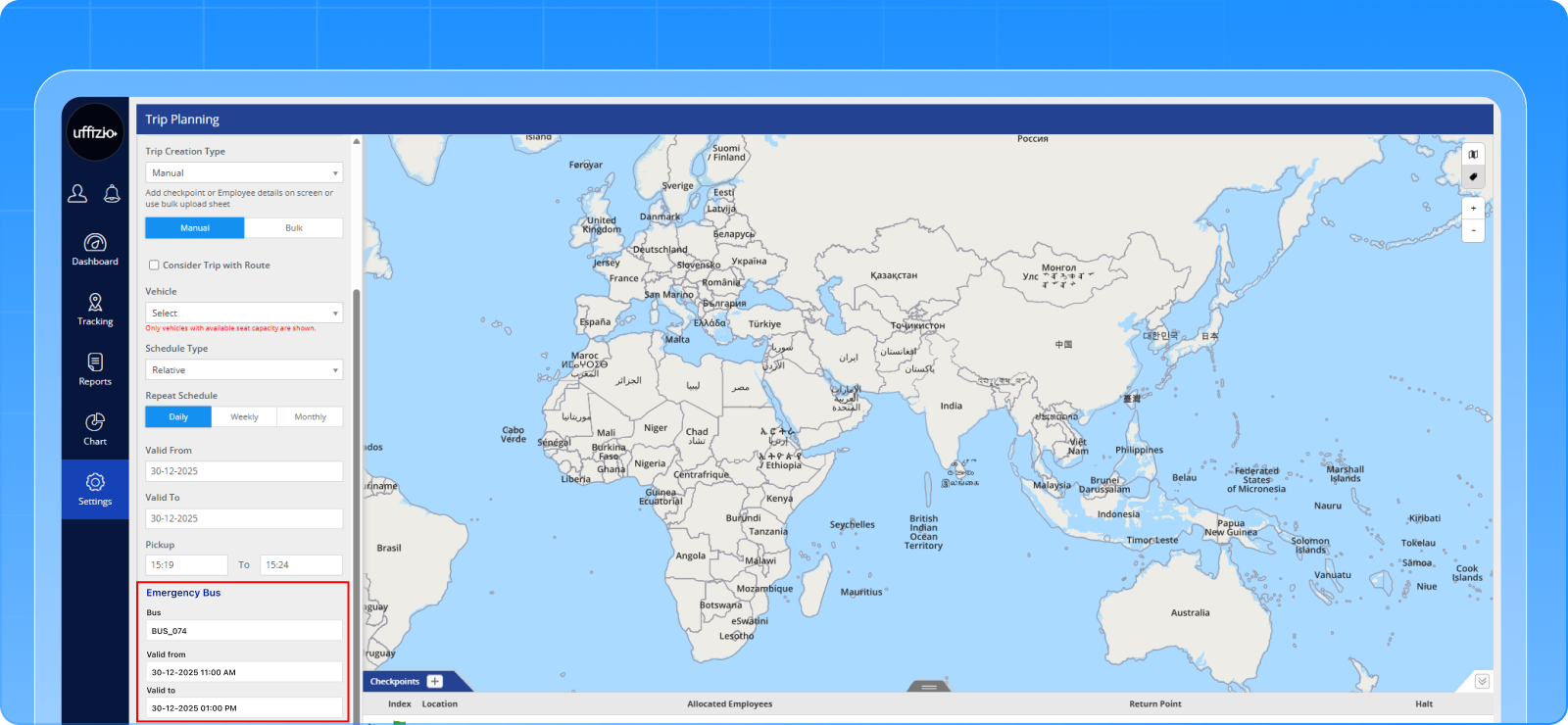
2.2 Emergency Vehicle Allocation
Managers can now assign emergency vehicles to trips during breakdowns or unexpected situations, ensuring uninterrupted transportation. The system handles conflicts, updates live tracking, and maintains trip reporting and continuity without affecting existing schedules.
Key Points:
- Assign an emergency vehicle from Trip Planning screen
- Validity periods can be edited; previous trips recorded for reporting
- Updates reflected in live tracking and trip reports
Benefits:
- Ensures continuous employee transportation during emergencies
- Quick response to vehicle breakdowns or unplanned issues
- Accurate trip status and reporting
- Real-time visibility for employees and drivers
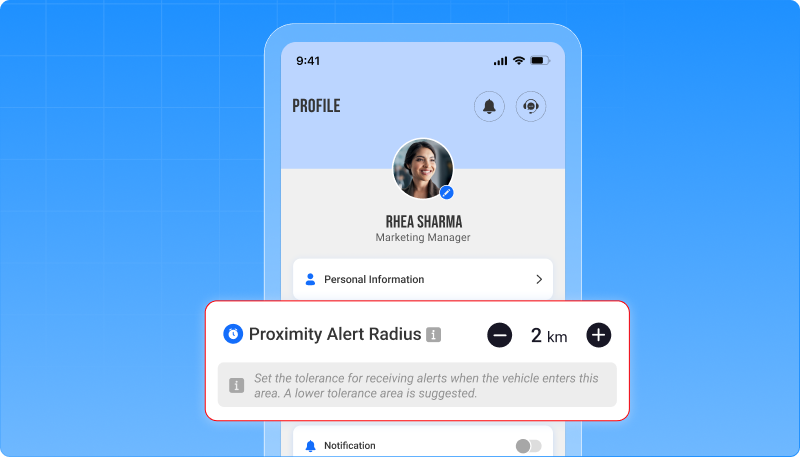
2.3 Custom Proximity Alert Range
Employees can now set a custom proximity radius for receiving Pick-Up and Drop reminders in the Employee App. This allows them to receive notifications at the distance that suits their preference, ensuring timely alerts without unnecessary early notifications.
Key Points:
- New Proximity Alert Radius field in Employee App
- Default 0.5 km; adjustable up to maximum trip distance
- Alerts triggered when the vehicle enters the selected radius
Benefits:
- Reduces chances of missing trips or receiving early alerts
- Simple, self-service configuration within the app
- Maintains fast, reliable notification delivery
Conclusion
These enhancements deliver greater reliability, control, and visibility across employee transportation operations. By addressing both routine and emergency scenarios, the updates help organizations maintain smooth, efficient, and secure trips while keeping users informed in real time.
Stay tuned for more updates every month!